
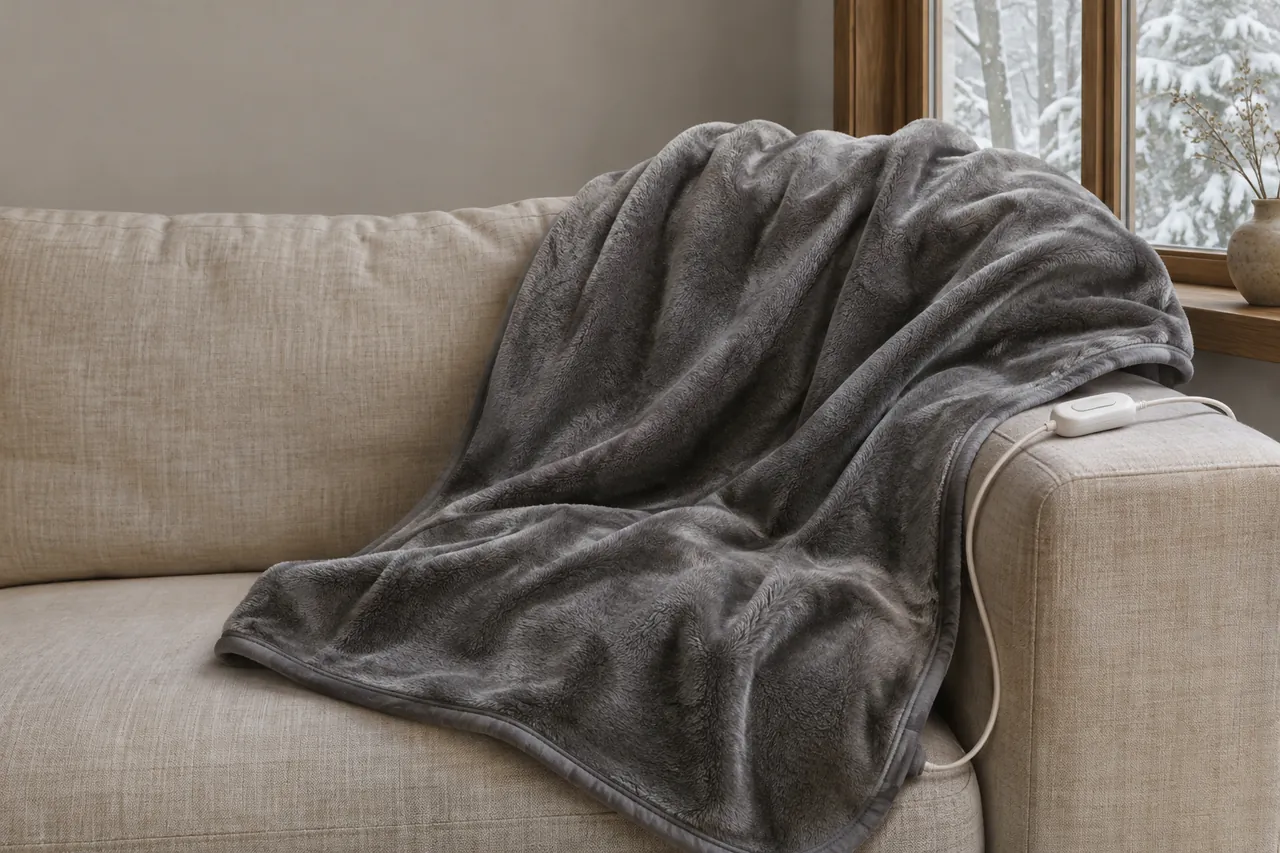
A flashing light can mean different things on different electric blankets. On some controllers it signals a problem; on a connected model it may identify a pairing or confirmation state. The exact light, display and model matter more than the fact that it flashes.
Introduction
Start with the condition of the blanket and controller. If there is damage, smoke or a burning smell, stop using it. If the item looks undamaged, identify the controller and follow the instructions for that model before trying a reset.
Start with the blanket’s condition
Look for scorch marks, damaged fabric, a cracked controller or plug, and frayed or exposed wiring. If you notice damage, an unusual burning smell, melting or smoke, stop use. Disconnect the power only if it is safe to reach the plug; do not touch a smoking, arcing or otherwise dangerous outlet.
If there is immediate danger
Move away from an active fire, smoke or sparking outlet and seek emergency help as appropriate. Do not handle an unsafe electrical connection. A product with visible heat or cord damage should remain out of use rather than being reset or repaired at home.
• A flashing signal with a damaged cord is not a reason to try a different controller or keep switching the blanket on. Preserve the product details if it is safe to do so, and follow the applicable recall or product-support instructions.
• If there is no visible damage, that observation alone does not prove the blanket is safe. It does allow you to move on to reading the model-specific instructions and checking an external connection in the manner those directions permit.
Record the indicator before changing anything
Record what you see before changing any settings: is it a letter-and-number display, a power indicator or a Wi-Fi symbol? Note whether the blanket is warming, has just reached its timer, or was switched on remotely. These details can help match the signal to the correct section of the manual.
What Sunbeam’s different signals mean
Sunbeam’s FAQ says that certain digital controls flash “FF” when a problem may have been detected. It also describes “F1” and “F2” as problem notifications on certain electronic controls. Those examples are specific to the controls described in the FAQ; they are not a code key for every brand or model.
The FAQ does not establish that a particular code identifies a specific broken wire, fuse or sensor. Avoid diagnosing an internal component from the display alone. The exact procedure also differs among Sunbeam’s controller types, including its connected bedding.
On Sunbeam Connected Bedding S1, a pulsing checkmark after remote activation asks the user to confirm their presence on the physical controller. Sunbeam says to press that checkmark within one hour; it then changes to a solid light. This is a remote-start confirmation, not the same signal as an F1 or F2 display.
Sunbeam also describes a mattress-pad controller on which numbers continue flashing after the auto-off time. The point is to match the indicator and product to its instructions, not to assume that every blinking number means a timer has ended.
If the label or booklet does not explain the specific light, leave the blanket disconnected and use the model information to find the relevant support instructions. A general bedding review may help compare products, but it is not a fault-code manual.
If a code returns or the blanket stops operating, keep it unplugged and follow the product support or recall process. A light that temporarily clears does not by itself verify the condition of the appliance.
Find the instructions for that controller
Find the model number on the product label, packaging or documentation and look for the associated controller instructions. Similar-looking blankets can have different controls, connectors and reset sequences.
• Note the exact letters, numbers or symbol that flash.
• Record when the flash began and whether any controls still respond.
• Check the manual for the same model and indicator before acting.
If the light is a Wi-Fi indicator or a remote-start confirmation, use the connected-device directions for that product. If it is a fault indicator, follow the fault procedure. Do not substitute one procedure for another merely because both involve a flashing light.
Check the external connection only as directed
If the instructions identify a user-accessible connection, disconnect the wall plug before checking it. Handle only the parts the instructions say users may disconnect or reconnect. Do not insert tools into sockets or touch exposed contacts.
Example: Sunbeam Connected Bedding S2
For its Connected Bedding S2, Sunbeam gives a specific procedure when the wired controller displays F1, F2, F3 or F4. After checking for visible damage, unplug the power cord from the wall, then disconnect the bedding connector. Wait 15 minutes, reconnect the connector fully to the bedding, and then reconnect the wall plug. If that procedure does not work, Sunbeam directs the user to its customer service. This sequence is for the S2 instructions and those error codes; use the matching manual for a different product.
When the instructions differ
Some products have a detachable connection; others may have a different arrangement. Do not force a connector or assume that two plugs which look alike are interchangeable. Reconnect only the components provided for the device and only as directed.
Sunbeam’s S2 FAQ also gives a separate general reset with a 30-second wait. Its F1–F4 procedure specifies 15 minutes. The two entries show why the exact signal matters: follow the procedure that matches your own controller and situation, and keep the product unplugged if the correct instructions are unavailable.
• Keep the connector dry and do not probe it with a tool.
• If a reset is specified, follow the precise model-specific directions and stop if the fault remains.
When a reset does not resolve the problem
Repeated resets can obscure a continuing problem. If the same fault comes back or the product does not operate after its documented procedure, stop using it and keep it disconnected. Do not interpret a temporary change in the display as a repair.
Sunbeam’s FAQ advises disconnecting the product and seeking support if its specified reset does not resolve the issue. Apply that guidance to the controls covered by the FAQ; the appropriate next step for another model comes from that product’s instructions or recall notice.
Repairs and shortcuts to avoid
A blanket controller and its wiring are not an invitation to troubleshoot internal electronics. Do not open the housing, probe contacts, splice a cord or bypass a protective device. Do not use an incompatible controller or wash a blanket in an attempt to clear a fault.
Do not fold or bunch a powered blanket as an improvised heat test. Follow the actual model’s operating instructions and do not continue using a damaged or persistently faulty item.
If the connector does not fit without force, stop. A connector from a different blanket or brand can look similar without being intended for that system. Use only a compatible part specified for the product.
Do not attempt to clean or dry an electrical connection while the device is plugged in. If liquid is involved, leave the item disconnected and follow its instructions. Visible damage, moisture in an electrical component or an unusual smell calls for stopping use.
• Do not open the controller or repair a damaged cable.
• Do not bypass a safety device or use an unapproved replacement control.
• Do not use washing or repeated resets as a fault-finding method.
• Do not reconnect a product showing heat damage, exposed wire or a burning smell.
• Keep the product and instructions together until the appropriate support or recall route is clear.
Prepare a record and check for recalls
If the fault persists, record the brand, exact model number, controller type, the flashing display and the steps already taken. A photo of the label and display can help keep the details accurate. Do not remove a sewn-in label to read it.
What to have ready
Look on the sewn-in label or packaging for the model and any batch or date code. Write down whether the display appeared immediately or after a timer, and whether the blanket was responding to the controls. Take a photograph only if it is safe to approach; these details make it easier to identify the correct support instructions.
If the blanket was purchased recently, retain any proof of purchase and the instructions. Warranty procedures depend on the item, and a recall can have its own instructions that differ from ordinary support.
Check official recall notices
In the United States, search the Consumer Product Safety Commission’s recall database and the manufacturer’s notices using the brand and model. Compare the model number, label details and any dates or other identifiers in the notice before deciding whether it covers your item. In other countries, use the relevant local consumer-safety authority.
If a recall applies, follow its instructions to stop use and obtain the stated remedy. A product does not need to show a flashing light to be affected by a recall. Conversely, a flashing light does not establish that a particular recall applies.
• Write down the brand and model.
• Keep any relevant batch or date code.
• Record the exact display or light pattern.
• Note the result of the manufacturer’s documented steps.
A charging light is a different signal
A cordless throw introduces another kind of blinking light: its battery charge indicator. Sunbeam says the lights on its On-The-Go Cordless Heated Throw battery flash during charging and remain solid or on when fully charged. That explanation belongs to this battery indicator; it should not be used to interpret a fault display on a corded blanket.
Before treating any flash as a problem, identify where the light appears and what the device was doing. A charge indicator, a Wi-Fi symbol and a fault code have different roles. When the signal indicates a fault or damage is visible, stop using the product and follow the matching instructions.
Sources
Sunbeam Home, FAQ: https://sunbeamhome.com/en-ca/pages/faqs
Forbes Vetted, Heated Blankets: https://www.forbes.com/sites/forbes-personal-shopper/article/best-heated-blanket/
Bedsure, Electric Blankets and Heated Throws: https://bedsurehome.com/blogs/bedsure/electric-blankets-heated-throws-warmth-value-2026
Bedsure, Heating Pad vs. Electric Blanket: https://bedsurehome.com/blogs/bedsure/heated-pad-vs-electric-blanket-comparison
U.S. Consumer Product Safety Commission, Recalls and Product Safety Warnings