
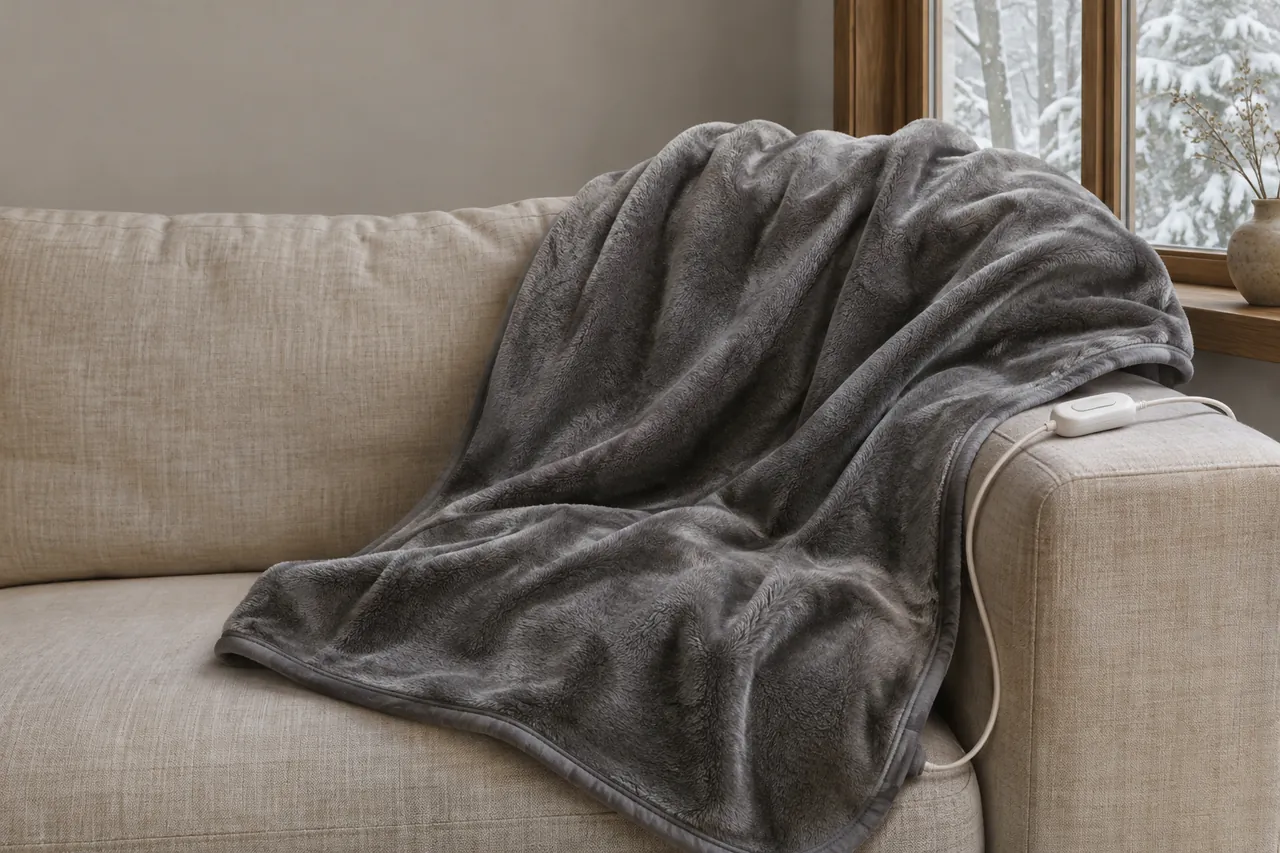
A flashing light or a code on your heated blanket controller calls for a pause. Note the exact message, switch off and unplug the blanket if it is safe to do so, and check the blanket and controller for damage before attempting any reset.
Introduction
A display alert is a reason to stop and check the appliance; it is not a diagnosis by itself. The same label can mean different things on different devices, so a generic list of codes is not a replacement for the manual for your model.
First: check for signs that mean stop
Before attempting any reset, look for signs that the appliance should be taken out of use. If you can safely do so, switch off and unplug it before inspecting the blanket, cord and controller.
Stop using the appliance and disconnect it safely if you notice any of these signs:
• Visible Scorching or Fabric Discoloration: Any brown, yellow, or black burn marks along the blanket fabric shell, wiring channels, or connection socket.
• Burnt Odors or Smoke: The smell of hot plastic, scorched fabric, ozone, or any visible smoke arising from the controller, power cord, or blanket.
• Melted or Deformed Plastic: Warping, distortion, or soft spots on the plastic controller casing, wall plug pins, or module connector socket.
• Exposed or Damaged Wiring: Frayed outer fabric, exposed metal wiring, cracked electrical cord insulation, or loose socket pins.
• Moisture or Fluid Contamination: Any dampness, spilled liquid, or moisture on the blanket shell, controller housing, or connector socket.
If any physical damage, scorching, unusual odor, or moisture is present, do not attempt to reset the controller, do not plug the appliance back in, and do not attempt DIY repairs.
If there is smoke or immediate danger, move away and seek emergency help as appropriate. Do not handle damaged electrical components while they are energized.
Keep a damaged appliance disconnected. If the blanket or connector is damp, do not use it or reconnect it while damp; follow its instructions for cleaning and drying.
Identify the message and the exact controller
Write down the letters or numbers, whether the indicator is steady or flashing, and when the message appeared. A photo of the display can help preserve the exact sequence. Note whether the issue appeared immediately on switching on or after use.
Find the product and controller identification on the appliance label, care tag or instructions. Keep both names and model numbers if they differ. If you have a dual-control product, note which control showed the message and which connection it was using.
The brand and controller model lead you to the right instructions. A code that appears on one controller may have a different meaning on another, so match the letters and numbers to the documentation for your own device.
A short record of the device and the message can make the next step quicker, whether you are reading the manual, checking a recall notice or contacting support.
Collect information without opening the controller or handling energized components:
Look for the product label or the information provided with the original instructions:
• Brand Name: The official manufacturer name.
• Exact Model Number: The full alphanumeric model designation (e.g., specific digital series numbers).
• Any date or batch code printed on the product, recorded exactly as shown.
Note anything visible on the fabric, cord or connector, as well as dampness or an unusual smell. Keep the blanket unplugged if you notice damage or moisture. An external inspection cannot reveal every possible internal fault.
Keep a brief record of the steps you followed, the number of reset attempts and whether the message returned. That information is useful if the manufacturer’s directions call for further support.
What can you inspect while it is unplugged?
If there is no visible damage, follow the inspection steps in the manual for the exact appliance. A clear exterior does not establish the cause of an error or prove that the appliance is safe.
Use the following checks alongside the directions for the appliance in front of you.
Power and external connection
Switch the appliance off and unplug the power cord from the outlet before handling a detachable connection. Keep hands and components dry.
If the instructions permit the control to be detached, inspect the outside of the cord, plug and connection without opening the housing. Do not force a plug or touch exposed wiring.
• Look for visible damage, moisture or debris. Do not insert tools or cleaning materials into an electrical connector.
• Check that the connector and any latch are intact. Stop if a component is cracked, loose or damaged.
If the model instructions direct you to check a detachable connection, align and connect it according to those instructions while the power cord is unplugged. Do not assume every connector clicks or uses the same latch.
Only reconnect and operate the appliance if its own instructions call for that step and there is no visible damage or dampness. Follow the model’s placement and outlet directions.
There is no reason to copy a waiting time or button combination from a different product. Use the manual or tag for the model you own, and stop if the instructions do not match the controller in front of you.
An example: Sunbeam F1 and F2
Sunbeam Home’s FAQ provides an example of why model-specific wording matters. It describes F1 and F2 messages on an electronic digital control and separately gives general blanket reset directions.
Here is what the FAQ actually says:
• A flashing F1 or F2 on the electronic digital control described in the FAQ indicates that the control has detected a problem.
• The FAQ does not assign a separate cause to F1 and F2. It does not say that one code always means a loose connection or that the other always means overheating.
• The same FAQ provides general reset instructions for the bedding it addresses. Follow the flag tag and the instructions for the exact model rather than assuming this sequence fixes every error.
• Follow the reset instructions on the control-cord flag tag.
• Check the bedding for visible damage and stop if damage is present.
• Unplug the system from the wall before checking the connection.
• Check that the control is securely connected to the module.
• If the product instructions permit, reconnect the power cord.
• Turn on the control as directed and observe the display.
• Sunbeam says that if the system does not operate after two or three reset attempts, disconnect the power cord and contact its consumer-care service. This limit belongs to the FAQ example; follow the instructions for your own model.
Sunbeam’s FAQ separately describes “FF” on a digital control as a warning that a problem may have been detected. It also describes blinking indicator lights on certain other controls. Neither message identifies a failed component on its own. These examples belong to the controls described in that FAQ and do not establish what F1, F2, FF, E1 or a blinking light means on another model.
If the message clears—or returns
A cleared display and a recurring message call for different next steps. Neither should be treated as proof of a particular internal cause.
The display clears
If the display clears after an authorized reset, follow the product’s instructions for normal use. A cleared message does not prove which condition caused the alert or establish that every internal component is sound.
• Stop using the appliance if the alert returns, or if an unusual smell, heat, damage or smoke appears. Follow the model instructions for the next step.
The message returns or remains
If the code remains or returns, stop the reset process and unplug the blanket. Record the message and the steps already taken instead of repeatedly cycling power.
The display alone cannot tell you whether a wire, sensor, connection or other component is responsible. Do not open the controller or attempt to replace an internal part.
For the Sunbeam FAQ example, disconnect the device and contact consumer care if it does not operate after two or three reset attempts. Keep the model and the exact display message nearby so you can describe what happened.
Avoid internal repairs
Do not attempt any of the following as a home repair:
• Open, unscrew, or disassemble the plastic controller housing.
• Cut, splice, tape, or solder damaged power cords or internal heating wires.
• Bypass internal safety shut-offs, thermal fuses, or circuit boards.
• Replace internal electrical fuses or attempt to re-engineer control components.
• Plug an incompatible controller from a different brand or model into the blanket socket.
• Power on or troubleshoot an electric blanket while the fabric shell, cord, or socket is damp or wet.
Check for a product recall
Use the exact product identification to search the official recall authority in your country. In the United States, the Consumer Product Safety Commission maintains a searchable recall page. Match the model and any date or batch details against a notice, then follow its instructions for affected products.
An exact code, model number and careful external check are more useful than guessing at a universal fix. Keep the device disconnected whenever it is damaged, damp or displaying a fault that persists.
References
Sunbeam Home FAQ: https://sunbeamhome.com/en-ca/pages/faqs
Forbes Vetted: https://www.forbes.com/sites/forbes-personal-shopper/article/best-heated-blanket/
Good Housekeeping: https://www.goodhousekeeping.com/what-to-buy/g69176799/best-heated-blankets/
U.S. Consumer Product Safety Commission: Recalls and Product Safety Warnings