
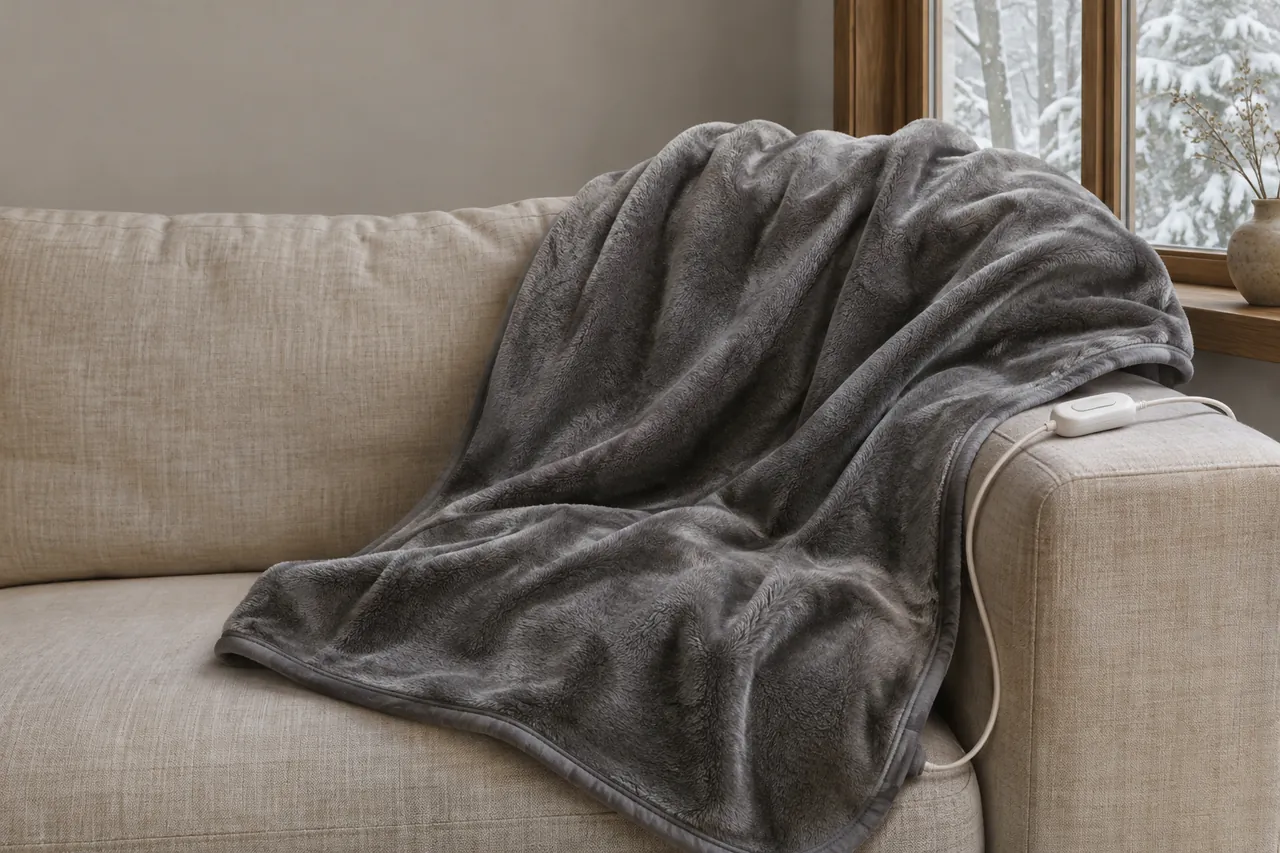
The same F2 display can lead to different instructions depending on the blanket. Sunbeam’s Connected Bedding S2 directs users to wait 15 minutes during its reset; Bedsure’s HeatX guidebook gives a different sequence. Start by switching off and unplugging the blanket if safe, then identify the exact product before following either procedure.
Introduction
This guide compares those two published examples and the situations in which a message may appear, from a freshly washed blanket to a first setup. The display itself does not establish the underlying cause.
Before comparing reset instructions
Look over the blanket, cord, plug and controller for visible damage or moisture. Do this with the appliance disconnected from power when safe to do so. A damaged, wet or smoking appliance should not be reset or used.
Scorch marks, a burnt smell, smoke, deformed plastic, exposed wiring or moisture are reasons to leave the blanket disconnected and out of use. Do not attempt a reset or plug it back in while any of these signs are present. If there is smoke or immediate danger, move away and seek emergency help as appropriate.
A damp blanket should remain disconnected until it is completely dry and the model’s care directions have been followed. A physically damaged device should remain out of use.
Two manufacturers, two sets of instructions
Find the product name on the bedding label and the controller. An exterior inspection is a starting point, but it cannot reveal the cause of an internal fault. The steps below are specific to the two products named.
Sunbeam Connected Bedding S2
The Sunbeam Home FAQ has a Connected Bedding S2 section addressing F1, F2, F3 and F4 on the wired controller. Its sequence applies to the products addressed in that section:
• First ensure there is no visible damage and follow the directions for your exact appliance. Sunbeam’s S2 FAQ gives these steps:
• Unplug the main power cord from the wall electrical outlet.
• Disconnect the power cord coupler (module plug) from the bedding socket.
• Wait 15 minutes for the item to reset.
• Reconnect the bedding coupler firmly into the blanket module socket.
• Reconnect the power cord to the wall outlet.
• If the steps do not work, the FAQ directs the user to customer service.
The 15-minute interval belongs to this Connected Bedding S2 FAQ section. Do not apply it automatically to another Sunbeam product or to another brand.
• Elsewhere, Sunbeam’s FAQ says F1 or F2 on the electronic digital control it describes indicates a detected problem. That statement does not identify a distinct cause for each code. The FAQ also has separate general reset directions; use the instructions for your own controller.
Bedsure HeatX
The Bedsure HeatX guidebook groups F-codes, including F2, with a blank-screen troubleshooting path. Its instructions include these checks:
• For the HeatX model, start with the controller and its surroundings.
• Check that the controller is not wrapped in the product or placed near another heat source.
• Unplug the main power cord from the wall electrical outlet before disconnecting the module coupler.
• For this HeatX product, Bedsure specifies a 120 V AC supply and suggests checking the outlet with another working device.
• Reconnect the coupler to the bedding.
• Plug the power cord back into the outlet and turn the product on.
• If the issue persists, the guidebook directs users to customer service.
Bedsure’s guidebook does not specify Sunbeam’s 15-minute interval for this sequence. It also does not assign F2 a single confirmed hardware cause.
What was happening when F2 appeared?
When did the code appear? That detail helps you decide what information to gather and which part of the product instructions to read first. It does not by itself establish what caused the alert.
After washing
If the blanket has just been washed, leave it disconnected until the fabric and connector are completely dry, as required by the product instructions.
Do not turn on a damp blanket to speed up drying. If F2 appears after washing, disconnect it safely and check the model’s care instructions. The message alone does not prove that moisture caused the fault.
During first setup
On a new blanket, start with the setup directions and make sure you have the correct controller and bedding. Inspect the exterior for shipping damage before use.
• Where the instructions call for a detachable controller, connect it in the order specified for the product while the wall cord is unplugged.
• If the display still shows F2 after the specified setup, stop and record what happened. Do not force a connector or assume an audible click is required.
On a bed with two controllers
For a product with two controllers, note which side displays F2 and follow the manual’s directions for that system.
• Disconnect the appliance safely before examining its external connections.
• Do not swap controllers unless the model documentation explicitly permits it.
• Record whether one or both controls display a message; this is useful information for support but is not a diagnosis.
After replacing a controller
Use only a replacement control specified as compatible with the exact product. A plug that appears to fit is not enough to establish compatibility. Keep the original controller and model information available when checking replacement options.
If the display clears or comes back
After the applicable steps, note exactly what the display does. The outcome guides the next action; it does not reveal a hidden component failure.
If F2 clears, follow the normal-use directions for the exact product. A cleared display does not prove which condition caused the warning or guarantee that no fault remains.
• Stop and disconnect the blanket if the error returns or a burnt smell, smoke, damage or unusual heat appears.
If F2 persists or returns, stop the reset process and disconnect the blanket. Record the result rather than repeatedly cycling the power.
An F2 display by itself does not establish whether the cause is a connection, a sensor or another component. Do not open the housing or try to repair internal wiring.
The two cited manufacturers direct users to their support teams when their respective steps do not resolve the issue. Keep the blanket out of use while that issue remains unresolved.
Keep a useful record
If the code remains after the applicable directions, leave the blanket disconnected and gather the information needed for the next step.
Find the label on the blanket and controller, or consult the original paperwork. Record the details exactly as shown:
• Brand Name and Model Number: The exact alphanumeric model designation.
• Any batch or date code printed on the item.
• Exact Display Reading: Confirm whether the display reads "F2," "flashing F2," or alternates with another signal.
• Any external damage, moisture, unusual smell or other observation. A visual check cannot prove the absence of an internal defect.
• The instructions followed and the actual number of attempts, without guessing the cause.
Keep the appliance intact
Keep the controller housing and the blanket’s electrical parts intact. Do not do any of the following:
• Open, unscrew, or disassemble the plastic controller housing.
• Cut, splice, tape, or attempt to repair damaged power cords or internal heating filaments.
• Bypass internal safety shut-offs, thermal fuses, or circuit boards.
• Replace internal electrical fuses or attempt to re-engineer control components.
• Plug an incompatible controller from a different brand or model into the blanket socket.
• Power on or troubleshoot an electric blanket while the fabric, cord, or socket is damp or wet.
Keep the model details and a description of the display together with any notes about what happened before the warning.
Check the exact model for a recall
Search your country’s official product-recall database using the exact model and any batch code. Follow any notice that applies to your particular product.
F2 is useful information when paired with the model and the manufacturer’s directions. Keep the two examples separate and stop using the device if damage is present or the alert persists.
References
Sunbeam Home FAQ: https://sunbeamhome.com/en-ca/pages/faqs
Bedsure HeatX guidebook: https://bedsurehome.com/blogs/products/heated-blanket-heatx-guidebook
Forbes Vetted: https://www.forbes.com/sites/forbes-personal-shopper/article/best-heated-blanket/